- free shipping
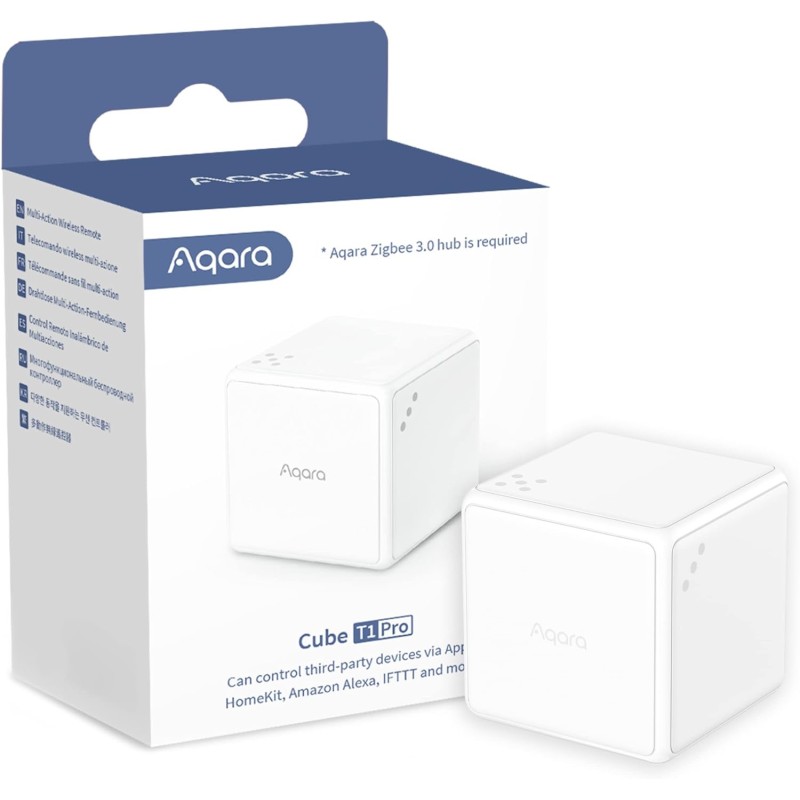



Cube T1 Pro - 'Turn' to have more fun in smart controlling.
Support Popular Ecosystems
Thanks to the new Scene Mode, the Cube T1 Pro now can be used as a HomeKit controller. Moreover, it also supports Alexa, IFTTT and other ecosystems*.
Side & Action Control for Scene Mode
With dice-like indicators, you are able to use 6 sides to control different scenes or devices. Rotating, shaking, holding or triggering after one-minute inactivity will create more possibilities.
Action Mode from the Classic Cube
Alternatively, you can switch the T1 Pro to the Action Mode. Push, shake, rotate, tap twice, flip 180°, flip 90° and trigger after one-minute to enjoy more fun while retaining other benefits.
Future-Proofing via OTA*
The Cube now supports OTA updates, which means that new features and fixes can be added after the release of the product.
Up to 2-Year Battery Life
The ultra-low energy consumption will make it more environmentally friendly and let you forget about charging the batteries for years.
Rotate to Control
You can adjust the brightness or the temperature of other Aqara lights** or curtain opening percentage by rotating the cube: everything is configurable in the Aqara Home app.
Support HomeKit and Alexa! Wider Compatibility Makes Infinite Possibilities
We've made the T1 Pro much more versatile: now it supports HomeKit, Alexa, IFTTT and more*
Now, you can use each of its six sides to control third-party devices, for example, flip it to side 5 to trigger an Alexa routine that controls the lights, and flip it to the side 2 to turn on HomeKit-compatible thermostat.
Ecosystem support now lets the Cube T1 Pro control practically any compatible third-party device: Lights, Locks, Outlets,Thermostats, Fans, Air, Conditioners, Cameras, Security
Find More Joy in Scene Switching
Rolling the dice! No need to memorize all the actions, now we have clear dice-like indicators for each side and you are able to use each of them to control different scenes or devices. Apart from that, actions like rotating, shaking or holding for different sides create more possibilities.
Switch to Action Mode for Effortless Magic Control
Alternatively, if you just want to make it simple and playful, you are able to switch to the classic Action Mode*.
Play around with your family!
*Action Mode is only available in Aqara Home and cannot be used with Scene Mode simultaneously


